

The Desk page is the home of your syndication account. Switch between Live and Demo at the top, and press Open Terminal to trade.
Account cards
| Card | Meaning |
|---|---|
| Syndication balance | Pays the fee when you syndicate a trade. Deposit adds to it. |
| Gross earned | Your share of the Desk's gains on your trades. |
| Commissions spent | The fee times every contract you syndicated. |
| Net | Gross earned less commissions, and how much is available to move. Move earnings to Wallet moves it. |
Your trade settings
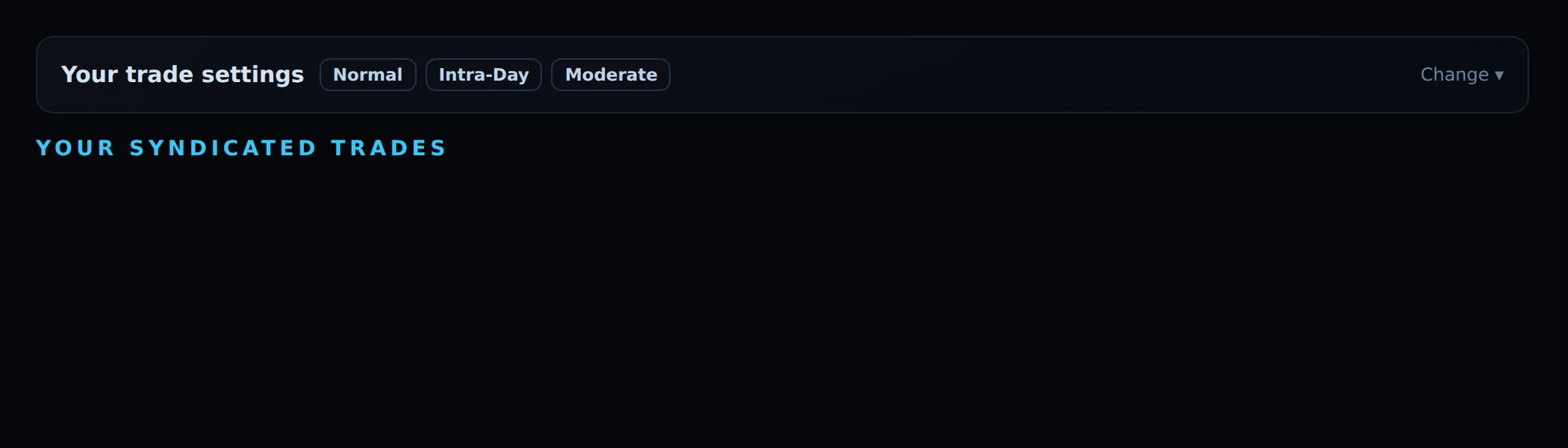
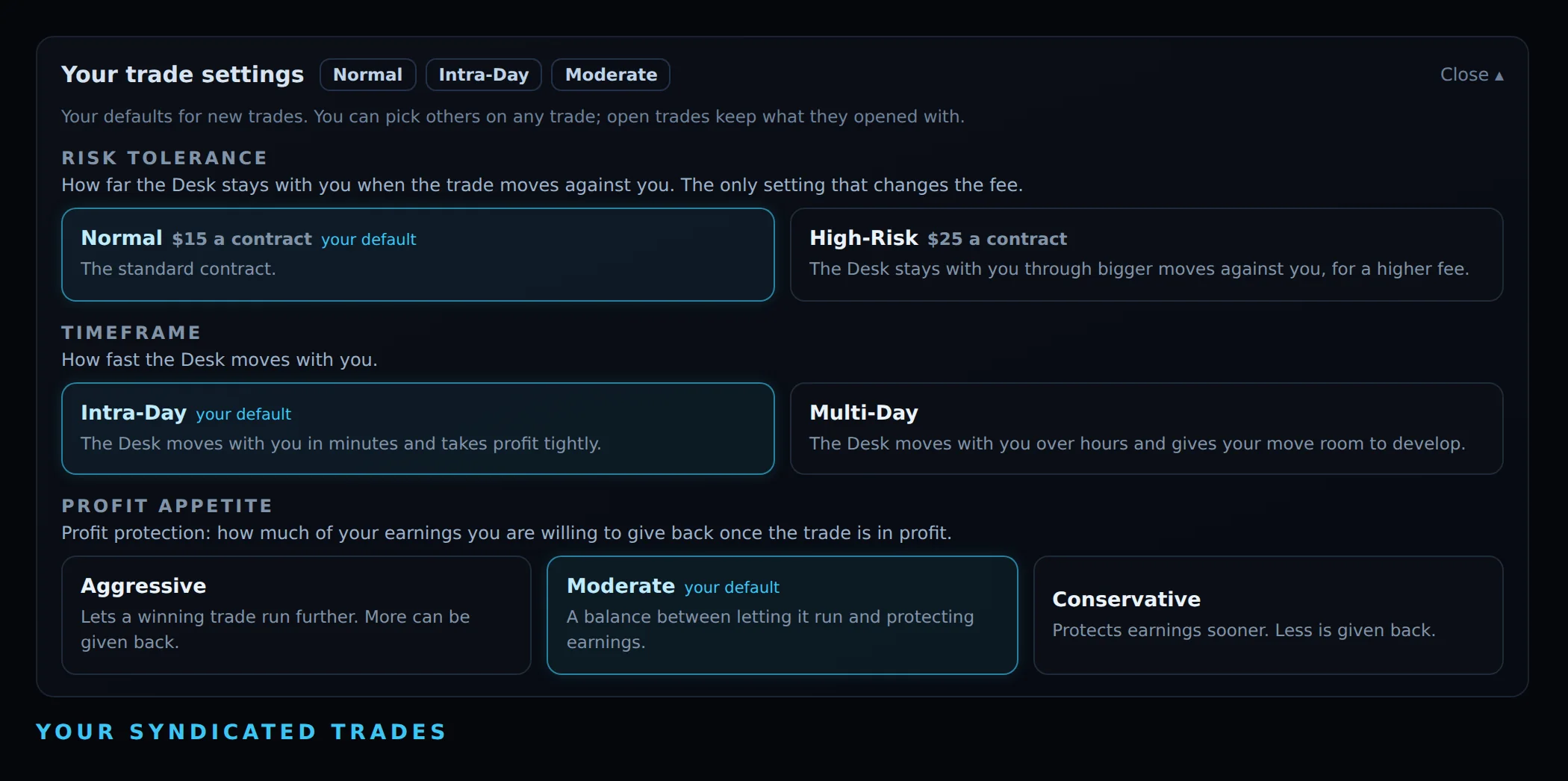
This card holds your saved defaults for all three settings. Folded, it shows them as three chips; press Change ▾ to open it. Click any option to save it as your default; "your default" marks the saved one. High-Risk shows its fee in amber. Defaults apply to new trades only; you can pick others on any trade, and open trades keep what they opened with.
Your syndicated trades
A searchable list of every trade: opened and closed times, symbol, side, size, entry, exit, peak allocation, result, earnings and move, with ▶ Replay on each. Filter by All, Paid, No earnings or Not syndicated.