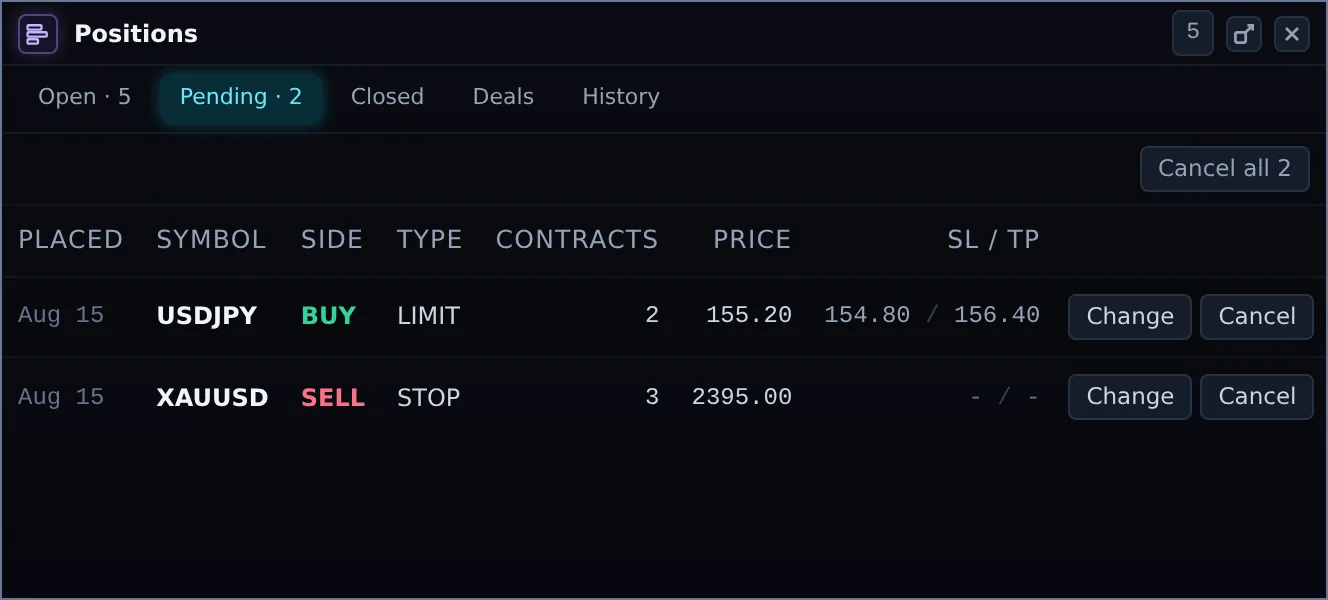
Trade SyndicationTrade a simulated account. The Desk puts its own capital behind the trades you syndicate, and you keep 90% of what that capital makes.
© 2026 Arizet Labs, LLC All rights reserved.
Technology & infrastructure
Arizet Labs, LLC
Atlanta Financial Center, 3343 Peachtree Rd NE, Ste. 145-448
Atlanta, GA 30326, USA
The Desk service
Arizet Labs ME Limited · Reg. No. HE 488153
Panagias Trooditissis 11, Lakatamia, 2322
Nicosia, Cyprus
The A-Trader engine, The Desk software, and all supporting technology and infrastructure are owned and provided by Arizet Labs, LLC, which acts solely as a technology and infrastructure provider. The consumer-facing The Desk service is operated by, and all customer agreements are entered into with, Arizet Labs ME Limited. Arizet Labs, LLC does not operate the consumer service, hold customer accounts, or enter into customer agreements for The Desk.
Payment Disclosure: Certain payments on this website may be settled via Odeonpay ALE S.R.L. (“Paysagi”), acting solely as Merchant of Record for transaction settlement purposes. Paysagi is not the supplier of the goods or services offered on this website. Where applicable, payment settlement is subject to Paysagi’s Terms of Use, which are presented to customers during the payment process. Full details, including billing and refund terms, are available in our terms.
Syndication Disclosure: Trading on The Desk takes place in a simulated environment. Where a trade is syndicated, The Desk may allocate its own capital to a corresponding position in the live market, for its own account and at its own risk. Allocation is decided solely and automatically by the Quant & Risk Engine and is never guaranteed: capacity, liquidity, volatility and venue conditions can reduce it, delay it or prevent it entirely, and the per-contract fee is payable whether or not any allocation is made. Payouts are a share of the result of The Desk’s own allocation, not of your simulated account, and can be nil. KYC verification is required before any payout. Full terms: Trade Syndication Terms.